
Using data from the Loops analytics script, we can tell you what pages on your site are the most effective at converting visitors into customers.

Step 1: Get Your Tracking Script

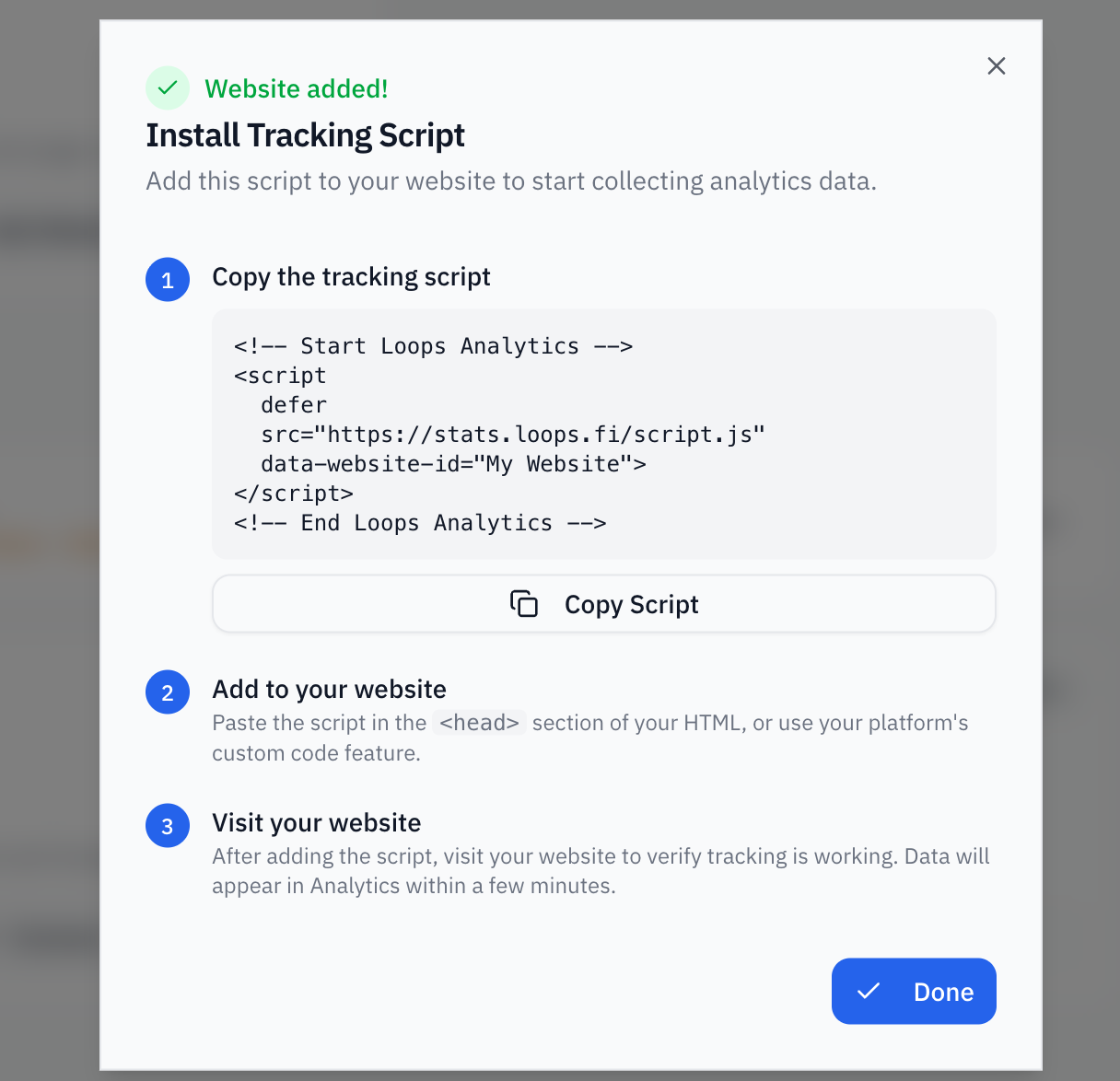
Visit the dashboard to get the specific tracking script for your organization.
Get Tracking Script

Step 2: Install the Tracking Script

Add the script to your website’s <head> section:
<!-- Start Loops Analytics -->
<script
  defer
  src="https://stats.loops.fi/script.js"
  data-website-id="your-website-id">
</script>
<!-- End Loops Analytics -->
That’s it! The script will automatically track page views and be available as window.loops.

What Gets Tracked Automatically

Once installed, the script tracks:
  • Page views - Every page visit
  • UTM parameters - Campaign source, medium, and content
  • Referrers - Where visitors came from
  • Device info - Browser, OS, screen size
  • Facebook cookies - _fbc and _fbp for Meta ad attribution
  • Google cookies - _gcl_aw, _gcl_au, and _ga for Google Ads attribution
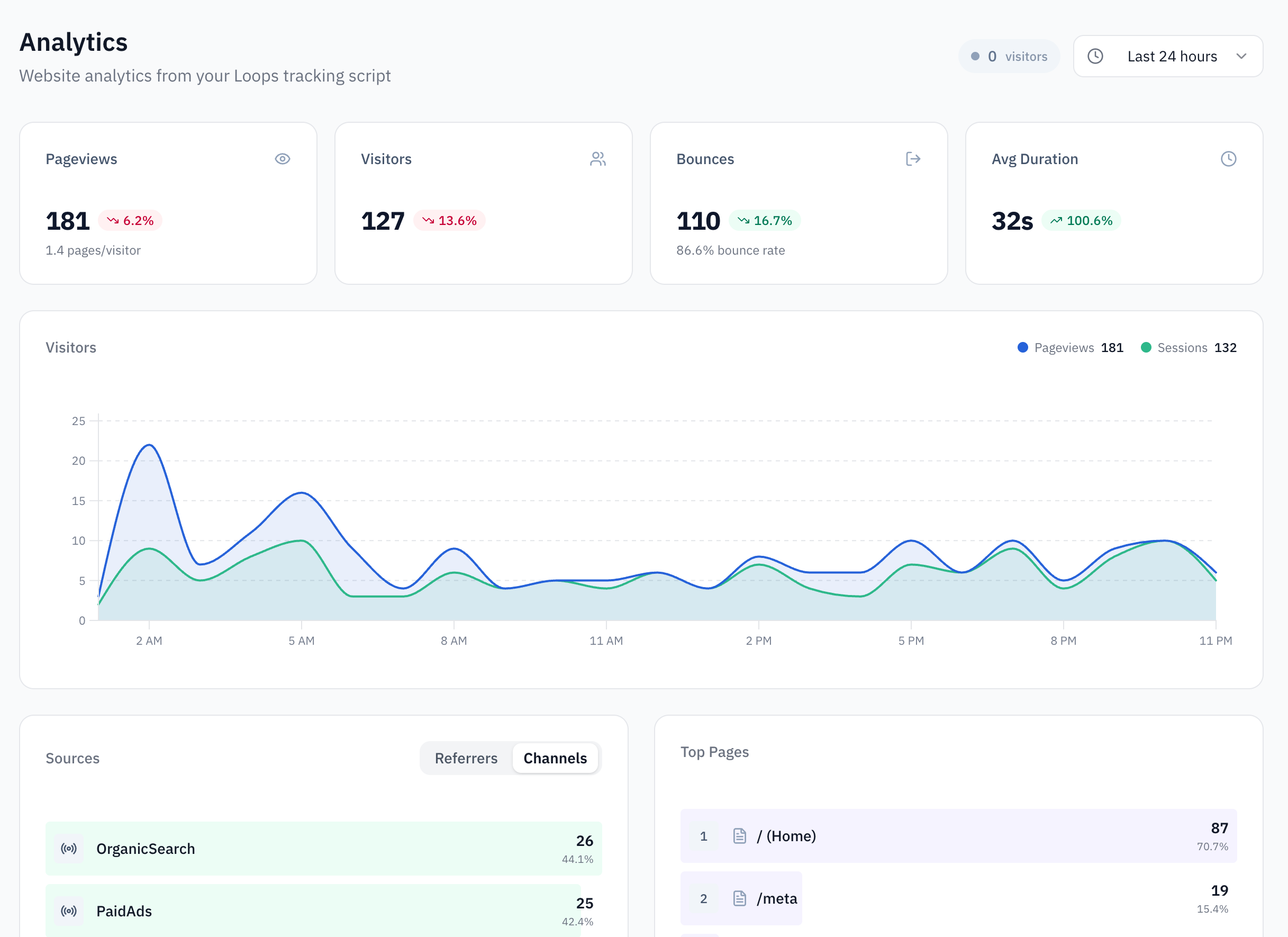
You can view this data on the analytics page in the dashboard.
Analytics Page

Step 3: Identify Users (SDK)

Besides tracking page views, the Loops script can also be used to identify users and track custom events. When a user signs up or logs in, call identify to link their activity to their account:
loops.identify('user_123', {
  email: '[email protected]',
  name: 'John Doe'
});
This connects their browsing history to their user profile, enabling accurate attribution.

Step 4: Track Custom Events (Optional)

Track specific actions on your site:
loops.track('purchase', {
  product: 'Premium Plan',
  amount: 99.99
});