> ## Documentation Index
> Fetch the complete documentation index at: https://docs.loops.fi/llms.txt
> Use this file to discover all available pages before exploring further.
# Getting Started with Loops
> Learn how to setup your Loops account
 Loops is an analytics platform that gives you unique insights on where
your most valuable customers are coming from.
To get started, we need to connect your marketing and conversion data.
Loops is an analytics platform that gives you unique insights on where
your most valuable customers are coming from.
To get started, we need to connect your marketing and conversion data.
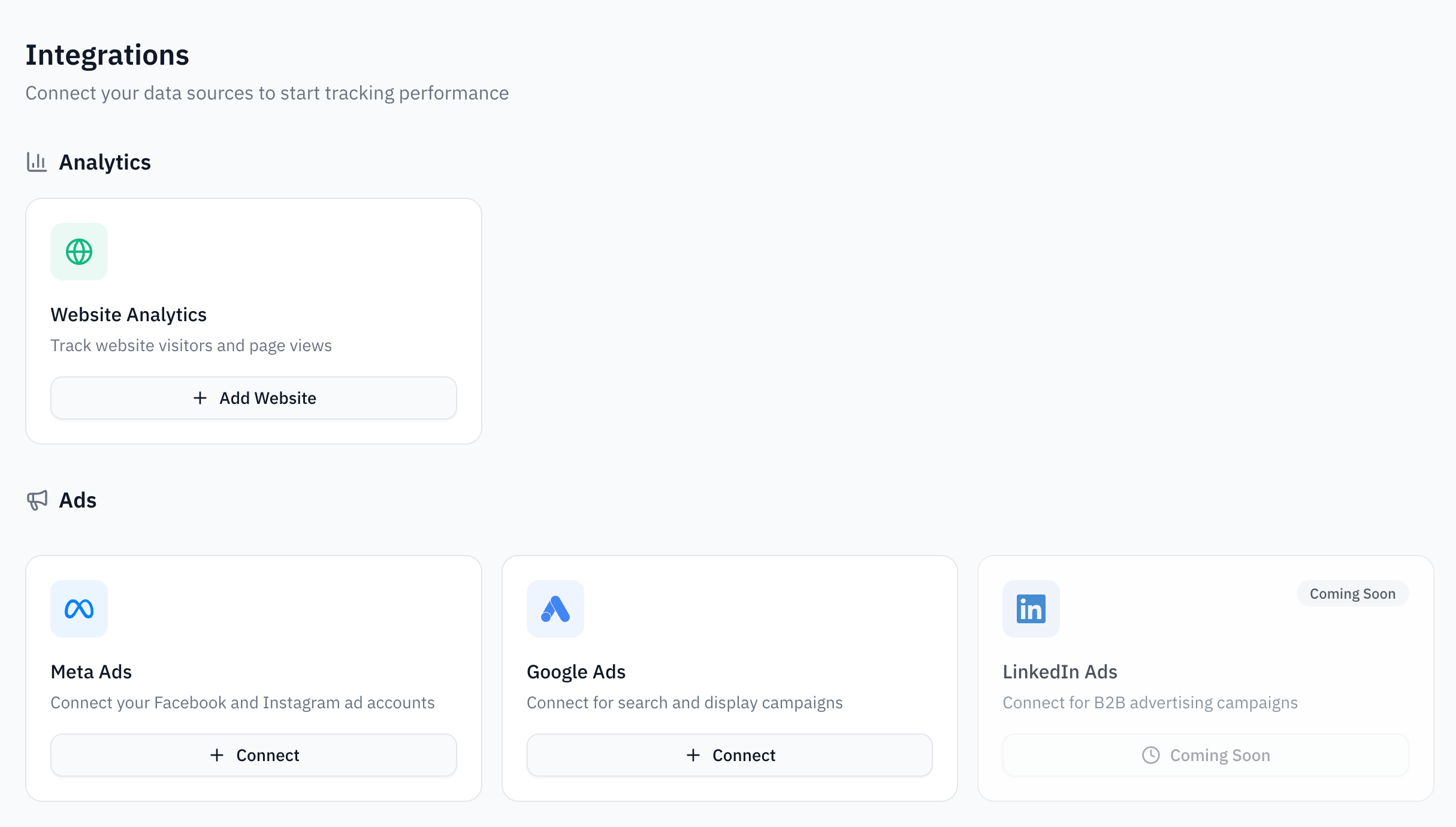 ## What You Can Connect
Connect Google Ads and Meta Ads to see which campaigns drive the most revenue.
Install the Loops tracking script to understand visitor behavior and identify users.
Track payments from Stripe, bookings from Cal.com, and send events to Meta CAPI.
Once connected, you'll be able to see the full customer journey from ad click to conversion, helping you optimize your marketing spend.
## What You Can Connect
Connect Google Ads and Meta Ads to see which campaigns drive the most revenue.
Install the Loops tracking script to understand visitor behavior and identify users.
Track payments from Stripe, bookings from Cal.com, and send events to Meta CAPI.
Once connected, you'll be able to see the full customer journey from ad click to conversion, helping you optimize your marketing spend.