> ## Documentation Index
> Fetch the complete documentation index at: https://docs.loops.fi/llms.txt
> Use this file to discover all available pages before exploring further.
# Ads Dashboard
> Learn how to use Loops' Ads Dashboard to get a bird's eye view of your ad performance.
## Overview
The ads dashboard allows you to view your overall ad performance across multiple platforms.
You can view historical and real-time performance across your campaigns, ad sets, and ads in one place.
## Connecting Your Ads Accounts
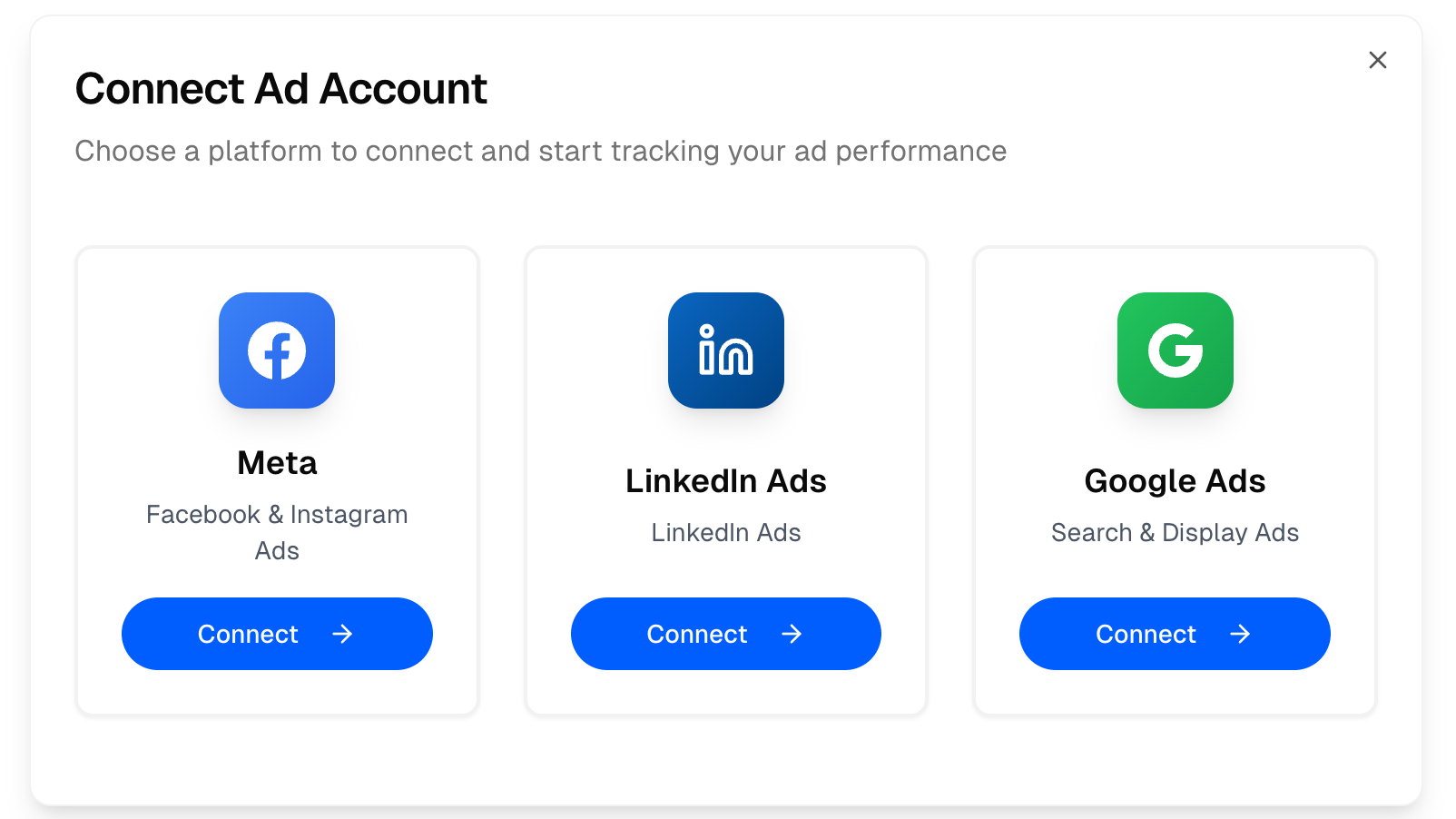 ### Meta Ads (beta)
Meta Ads integration is currently in beta, some manual setup is required.
Prerequisite:
* Send us your Meta Ads account ID and accept Loops' request to become a partner to your account. This allows us to fetch your campaign performance.
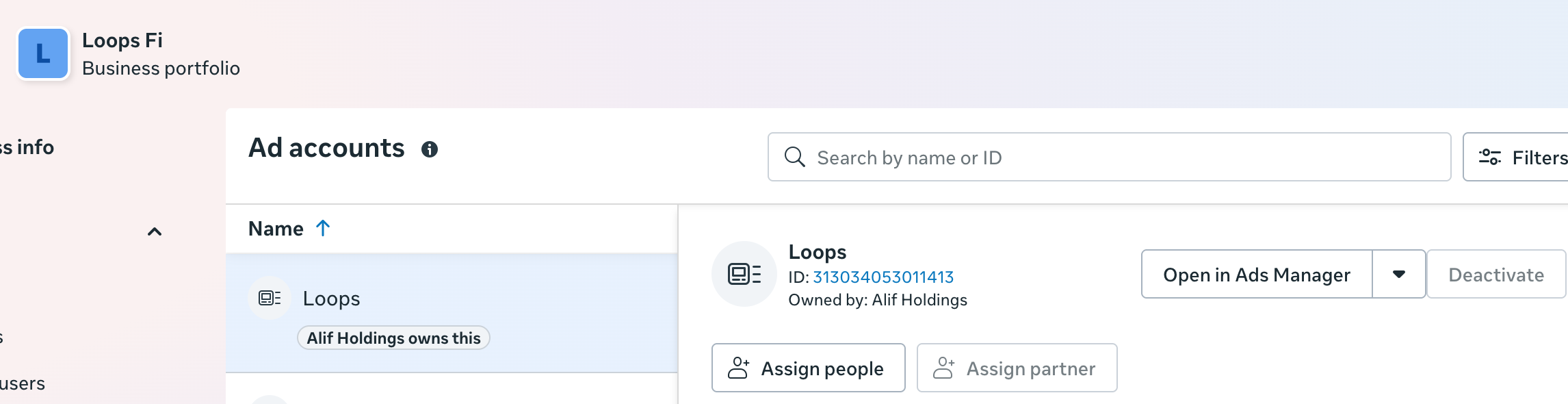
You can find your account ID:
In your Meta Business Portfolio, under ads accounts:
### Meta Ads (beta)
Meta Ads integration is currently in beta, some manual setup is required.
Prerequisite:
* Send us your Meta Ads account ID and accept Loops' request to become a partner to your account. This allows us to fetch your campaign performance.
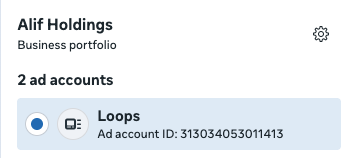
You can find your account ID:
In your Meta Business Portfolio, under ads accounts:
 Or, in your Meta Ads account, in the account selector:
 #### Step 1: Connect Your Meta Ads Account to Loops
1. Go to your [Ad Performance Dashboard](https://app.loops.fi/dashboard/ad-performance)
2. Click on the **Connect Account** button.
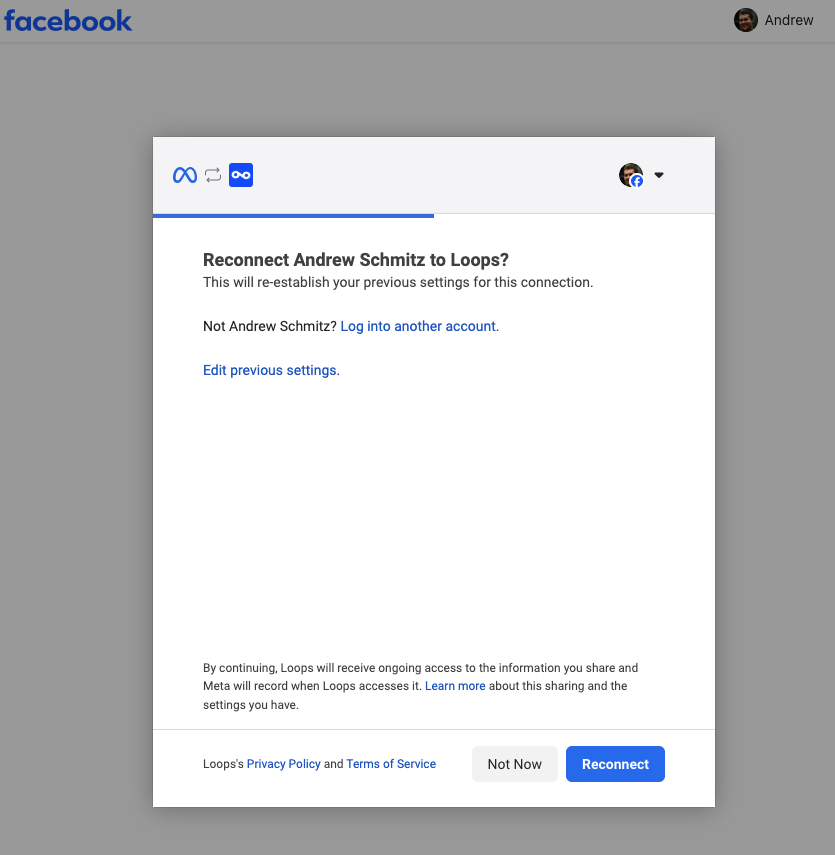
Make sure you are signed in as an Admin or Advertiser to the Meta account you wish to connect.
#### Step 1: Connect Your Meta Ads Account to Loops
1. Go to your [Ad Performance Dashboard](https://app.loops.fi/dashboard/ad-performance)
2. Click on the **Connect Account** button.
Make sure you are signed in as an Admin or Advertiser to the Meta account you wish to connect.
 #### Step 2: Sync Your Meta Ads Data
Now you can sync your Meta Ads data to the Dashboard. If you have a very large campaign, this might take a while.
You can change how much data is synced by using the date range filter.
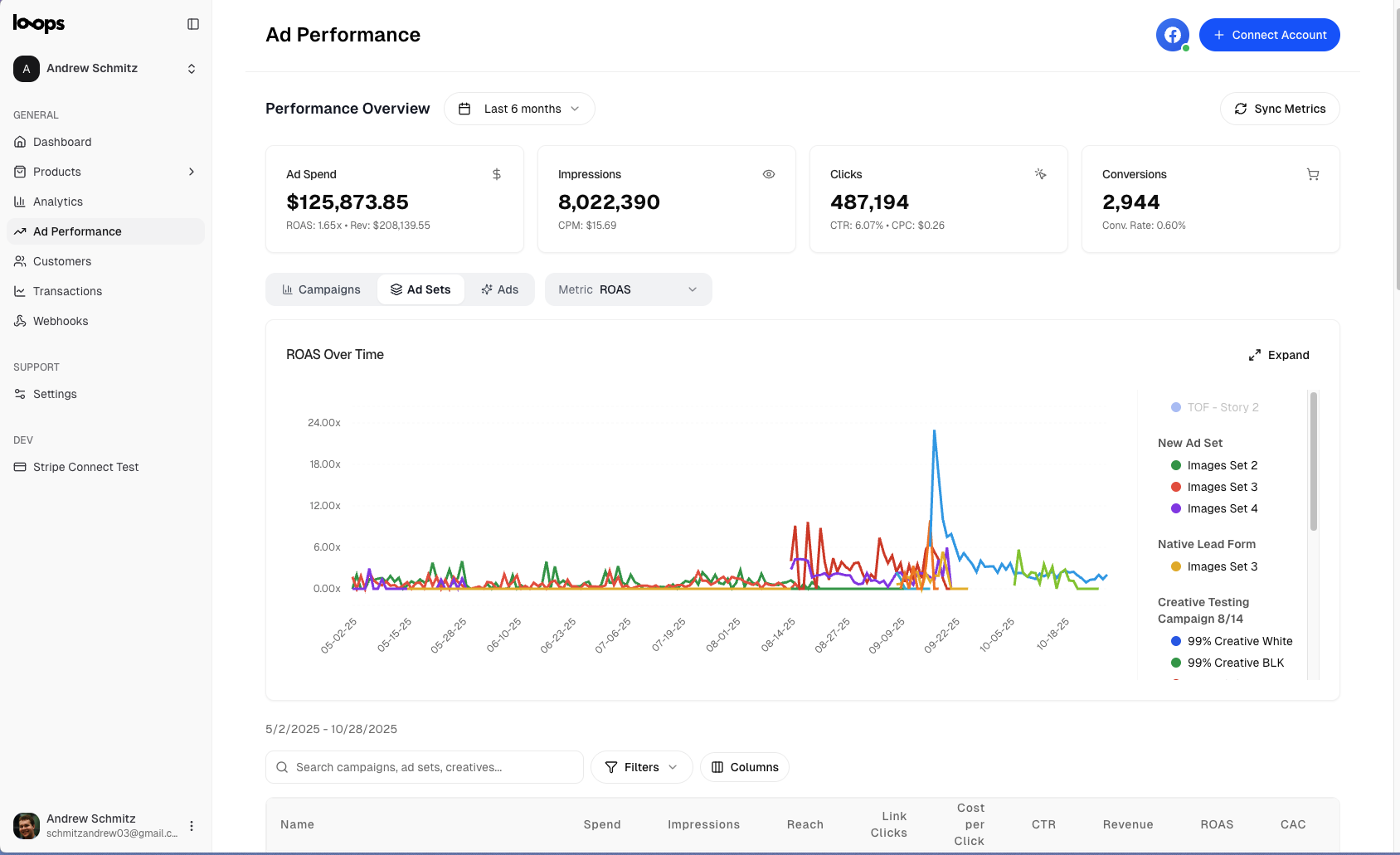
#### Step 3: View Your Meta Ads Data
Once synced, you can view your campaign performance in the graph and table.
#### Step 2: Sync Your Meta Ads Data
Now you can sync your Meta Ads data to the Dashboard. If you have a very large campaign, this might take a while.
You can change how much data is synced by using the date range filter.
#### Step 3: View Your Meta Ads Data
Once synced, you can view your campaign performance in the graph and table.
 ### LinkedIn Ads
Connecting to your LinkedIn Ads account does not require any manual setup.
#### Step 1: Connect Your LinkedIn Ads Account to Loops
Use the LinkedIn OAuth flow to authorize Loops to access your LinkedIn Ads account.
Only active accounts will be listed as ones you can connect.
You must have a Campaign Manager seat with Account Manager or View permissions on the account you want to connect.
#### Step 2: Sync and View Your LinkedIn Ads Data
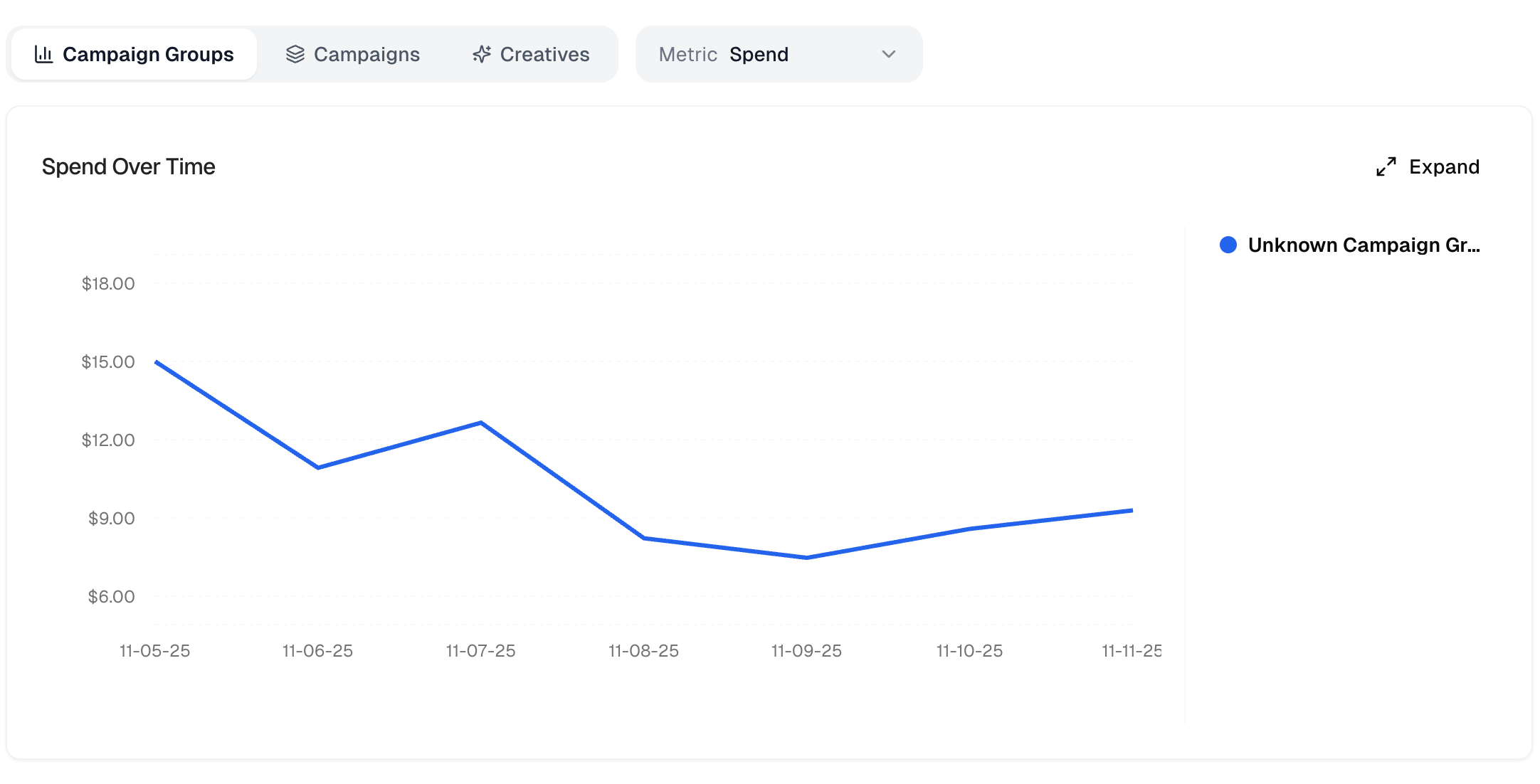
LinkedIn Ads data is viewable across Campaign Groups, Campaigns, and Ads.
### LinkedIn Ads
Connecting to your LinkedIn Ads account does not require any manual setup.
#### Step 1: Connect Your LinkedIn Ads Account to Loops
Use the LinkedIn OAuth flow to authorize Loops to access your LinkedIn Ads account.
Only active accounts will be listed as ones you can connect.
You must have a Campaign Manager seat with Account Manager or View permissions on the account you want to connect.
#### Step 2: Sync and View Your LinkedIn Ads Data
LinkedIn Ads data is viewable across Campaign Groups, Campaigns, and Ads.
 ### Google Ads (beta)
Connecting to your Google Ads account does not require any manual setup.
#### Step 1: Connect Your Google Ads Account to Loops
To connect, go through the OAuth flow with an account that has Standard or Admin access.
You will need to approve the `https://www.googleapis.com/auth/adwords` scope so Loops can read your campaign data.
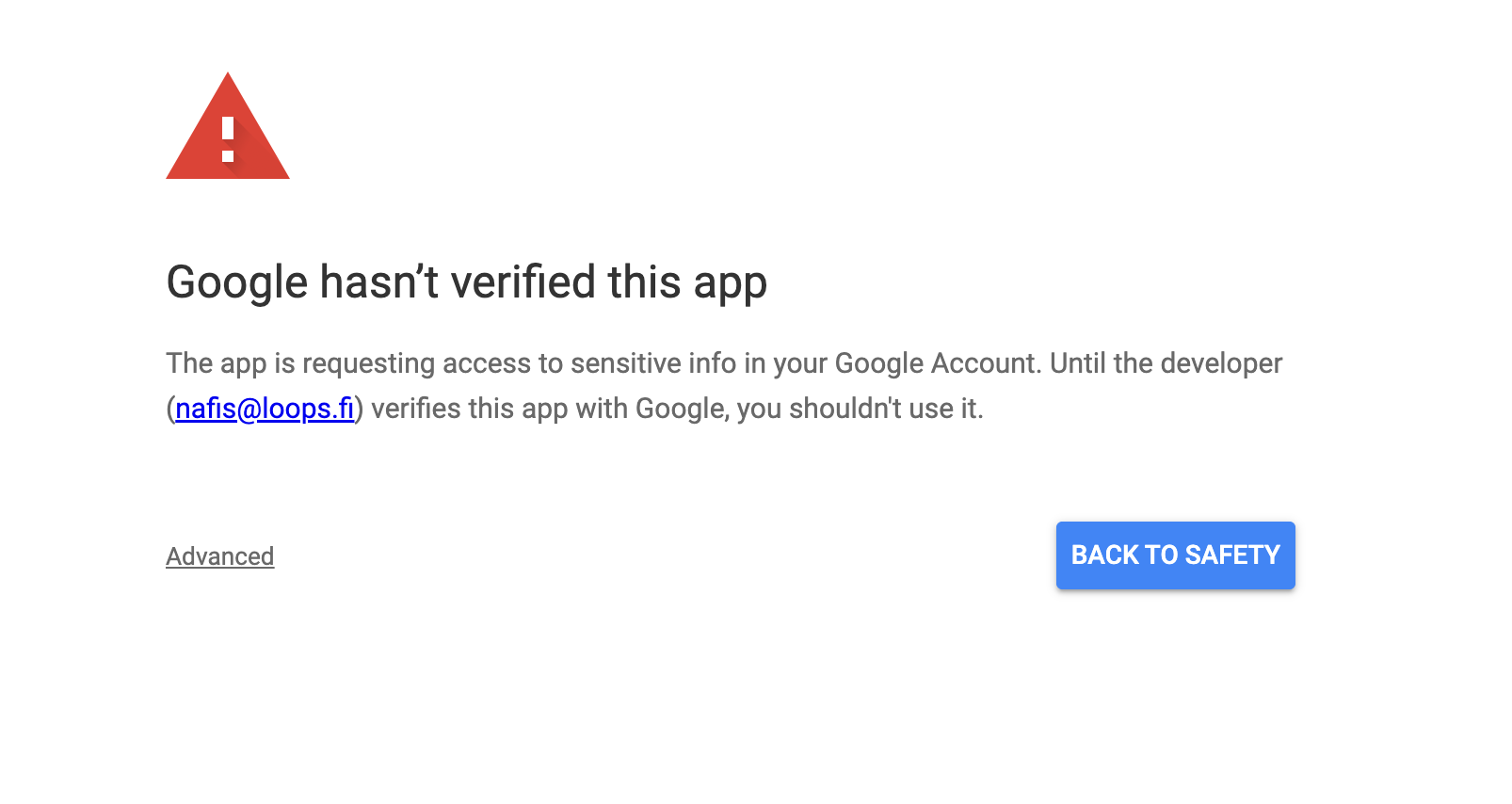
Right now, the OAuth flow is unverified, so you will need to click "Advanced" and then "Allow" to continue.
### Google Ads (beta)
Connecting to your Google Ads account does not require any manual setup.
#### Step 1: Connect Your Google Ads Account to Loops
To connect, go through the OAuth flow with an account that has Standard or Admin access.
You will need to approve the `https://www.googleapis.com/auth/adwords` scope so Loops can read your campaign data.
Right now, the OAuth flow is unverified, so you will need to click "Advanced" and then "Allow" to continue.
 #### Step 2: View Your Google Ads Data
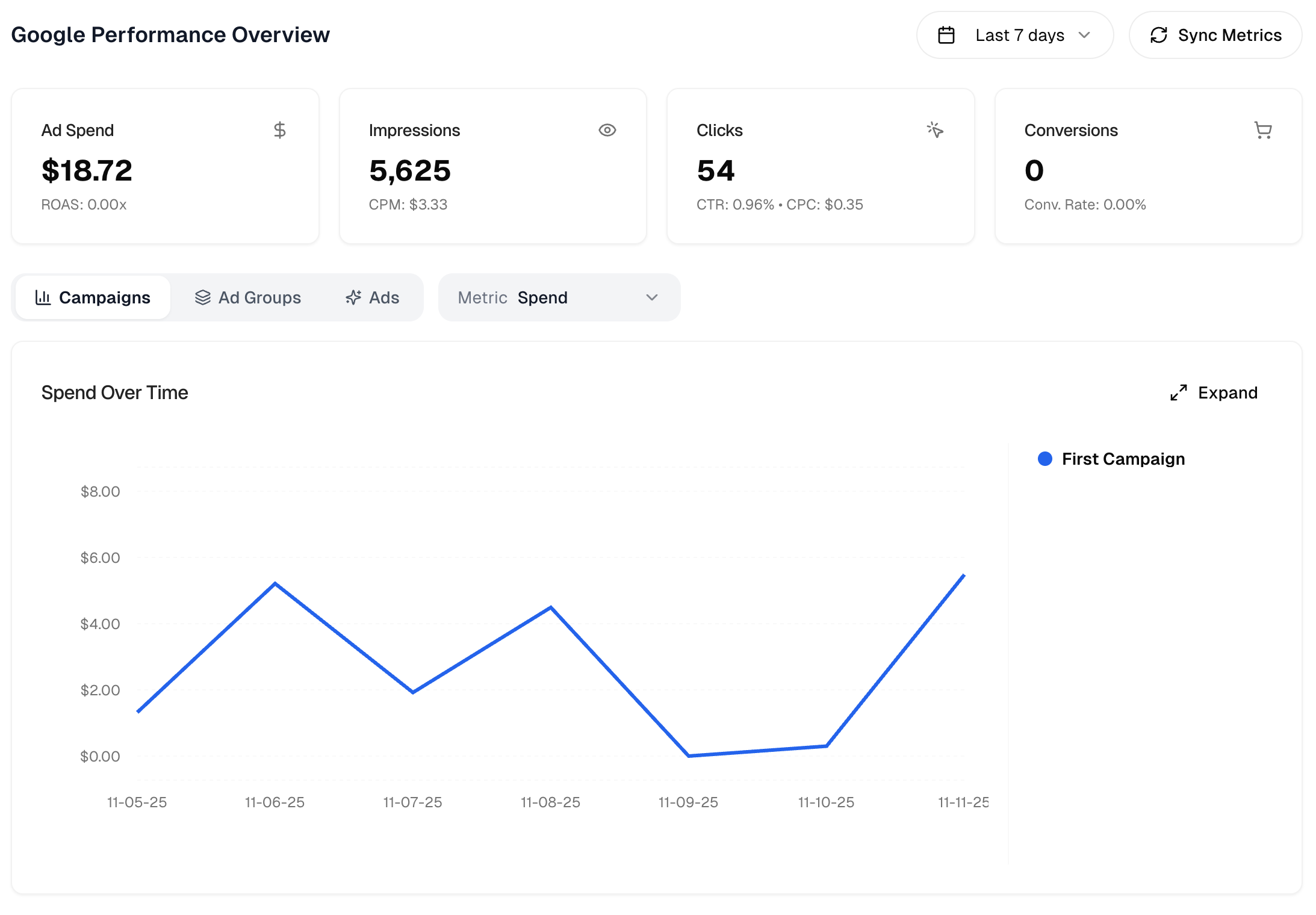
You can view your Campaign, Ad Group, and Ad performance in the graph and table in the same way as other platforms.
#### Step 2: View Your Google Ads Data
You can view your Campaign, Ad Group, and Ad performance in the graph and table in the same way as other platforms.
 ## Troubleshooting
**Meta account doesn’t appear during sync**\
Confirm that Loops has been added as a partner on the ad account and that the account status is **Active**. Pending or disabled accounts are hidden.
**LinkedIn returns no accounts**\
LinkedIn only lists accounts where your user has Campaign Manager access and the account is active. Ask your organization's admin to grant an Account Manager seat if needed.
**Google screen shows the wrong currency**\
Loops displays the currency configured for your Google Ads customer. If you chose a manager account accidentally, disconnect and reconnect with the specific customer ID you want.
**Sync takes longer than expected**\
Large date ranges or high-volume accounts can take a few minutes. You can leave the dashboard open; Loops shows a spinner until the import finishes. When in doubt, try shorter ranges first, then extend.
**Connection marked as expired**\
OAuth tokens typically last \~60 days (Meta & LinkedIn) or \~60 minutes with automatic refresh (Google). Click **Reconnect** and repeat the OAuth prompt to restore access.
Please email [support@loops.fi](mailto:support@loops.fi) with any feedback or questions.
## Troubleshooting
**Meta account doesn’t appear during sync**\
Confirm that Loops has been added as a partner on the ad account and that the account status is **Active**. Pending or disabled accounts are hidden.
**LinkedIn returns no accounts**\
LinkedIn only lists accounts where your user has Campaign Manager access and the account is active. Ask your organization's admin to grant an Account Manager seat if needed.
**Google screen shows the wrong currency**\
Loops displays the currency configured for your Google Ads customer. If you chose a manager account accidentally, disconnect and reconnect with the specific customer ID you want.
**Sync takes longer than expected**\
Large date ranges or high-volume accounts can take a few minutes. You can leave the dashboard open; Loops shows a spinner until the import finishes. When in doubt, try shorter ranges first, then extend.
**Connection marked as expired**\
OAuth tokens typically last \~60 days (Meta & LinkedIn) or \~60 minutes with automatic refresh (Google). Click **Reconnect** and repeat the OAuth prompt to restore access.
Please email [support@loops.fi](mailto:support@loops.fi) with any feedback or questions.